01
Pick a drill
Choose a track, then Chill or Arcade and Easy, Normal or Hard.
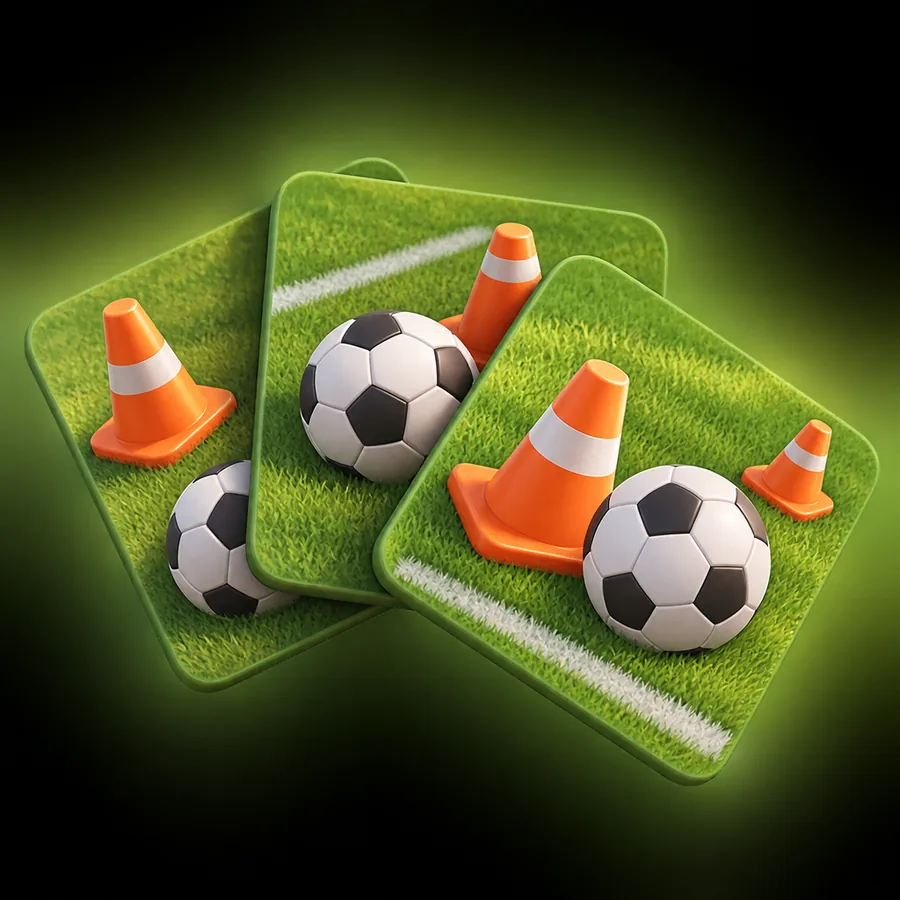
The ball rolls down a zigzag chalk lane and every cone sits on a note of the track. Tap at the turn and play the music with your feet.

Turns are placed on real notes of the track, not on a strict grid, so hitting them feels like playing the song.
Choose a track, then Chill or Arcade and Easy, Normal or Hard.

Tap anywhere on the screen as the ball reaches a cone. Perfect, Good or Miss.

Chain clean touches for a bigger score, three stars and the next drill.
From a 68 BPM warm-up to a 140 BPM sprint. Finish a drill in any mode to unlock the next one.
 01
0175 BPM · 1:28
 02
0298 BPM · 1:16
 03
03140 BPM · 0:55
 04
04129 BPM · 1:14
 05
05120 BPM · 1:27
 06
06115 BPM · 1:03
 07
0798 BPM · 1:28
 08
08123 BPM · 1:06
 09
09120 BPM · 1:12
 10
10120 BPM · 1:16
 11
1194 BPM · 1:28
 12
1296 BPM · 1:28
 13
13103 BPM · 1:28
 14
14120 BPM · 1:10
 15
15110 BPM · 1:28
 16
1668 BPM · 1:28
 17
17101 BPM · 1:28
 18
18110 BPM · 1:28
 19
19133 BPM · 1:28
 20
20108 BPM · 1:28
Short runs of one to two minutes, built for a quick session between anything else.
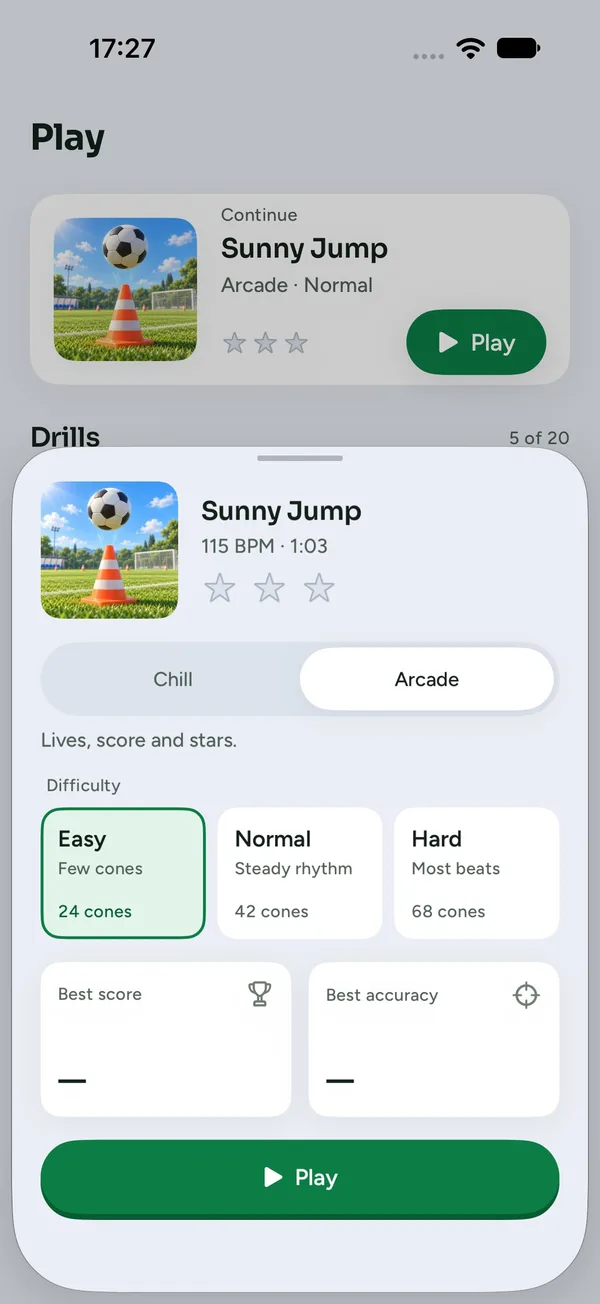
Chill lets the ball turn by itself when you miss. Arcade brings lives, score and stars.
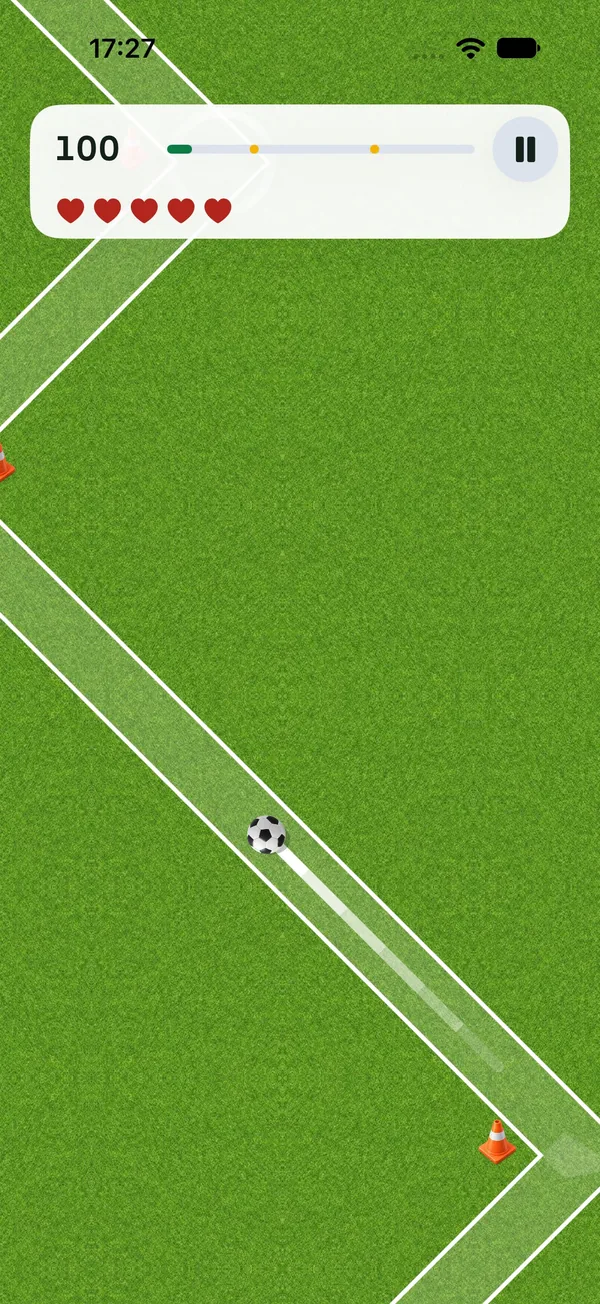
Every tap is judged Perfect, Good or Miss, with the score and track progress always in view.
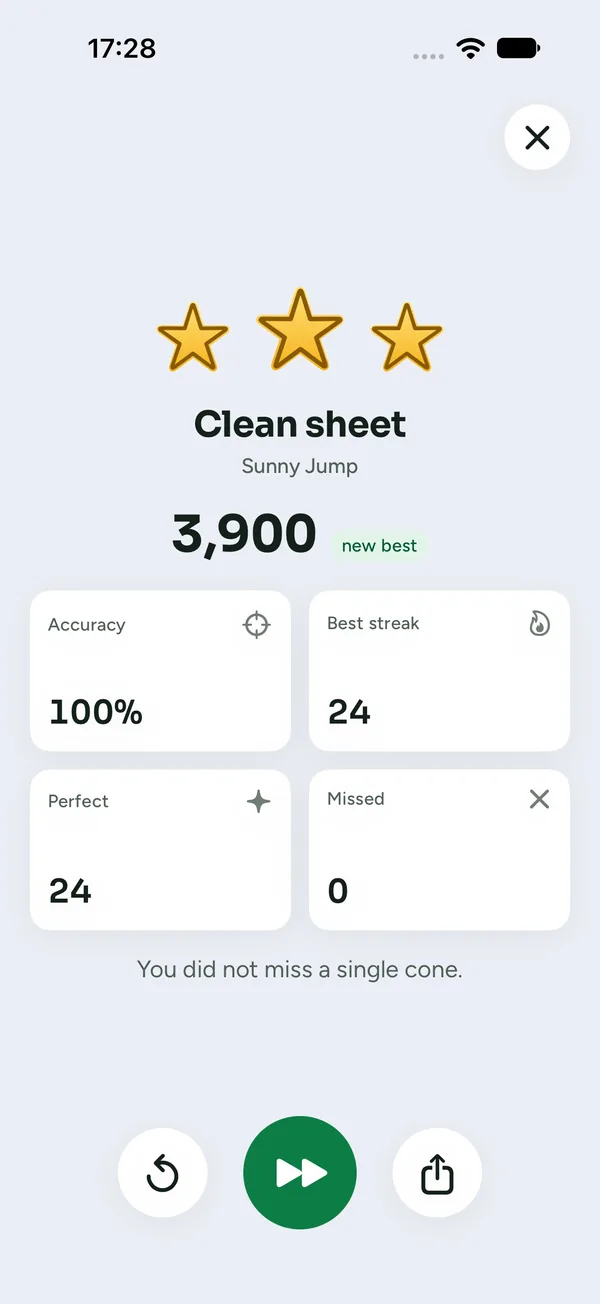
Accuracy, best streak, Perfect and Missed counts, plus one quick replay or next drill.
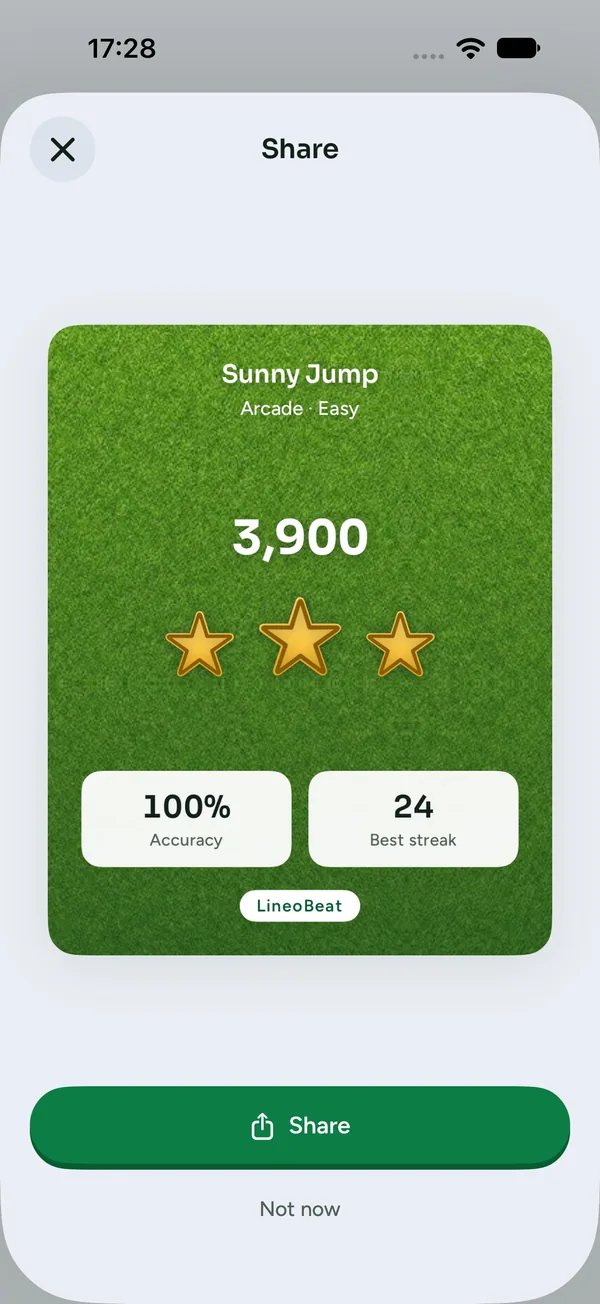
Turn a run into a pitch-green card with your score and stars and send it anywhere.
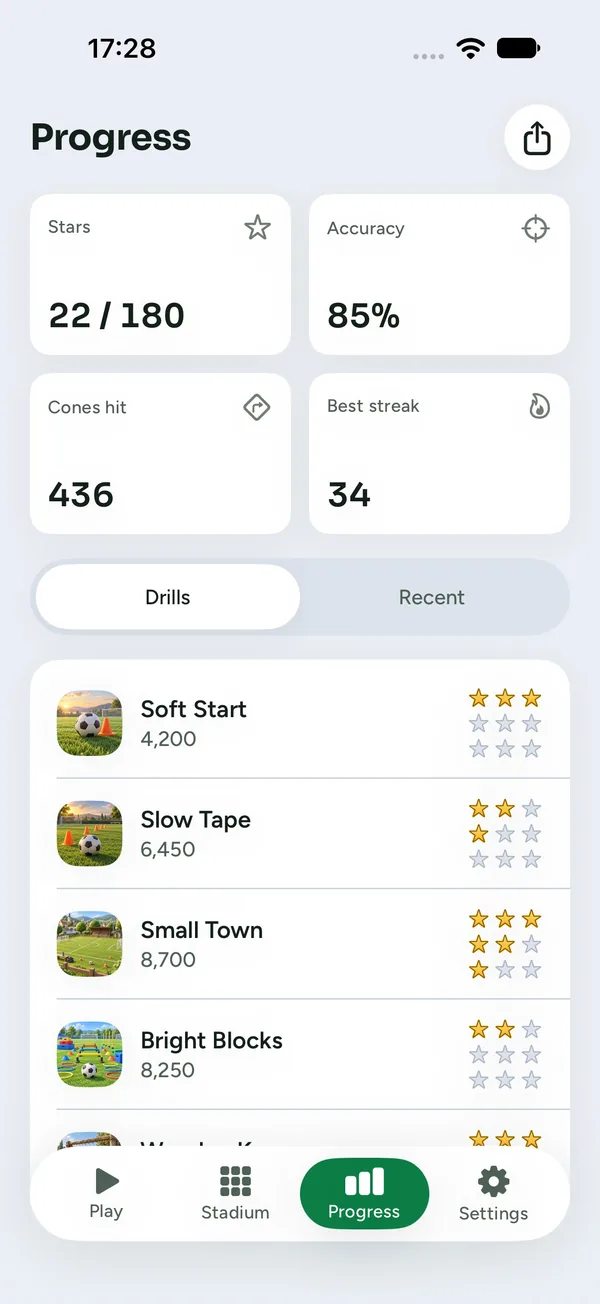
Stars collected, average accuracy, cones hit and recent runs, all kept on your iPhone.
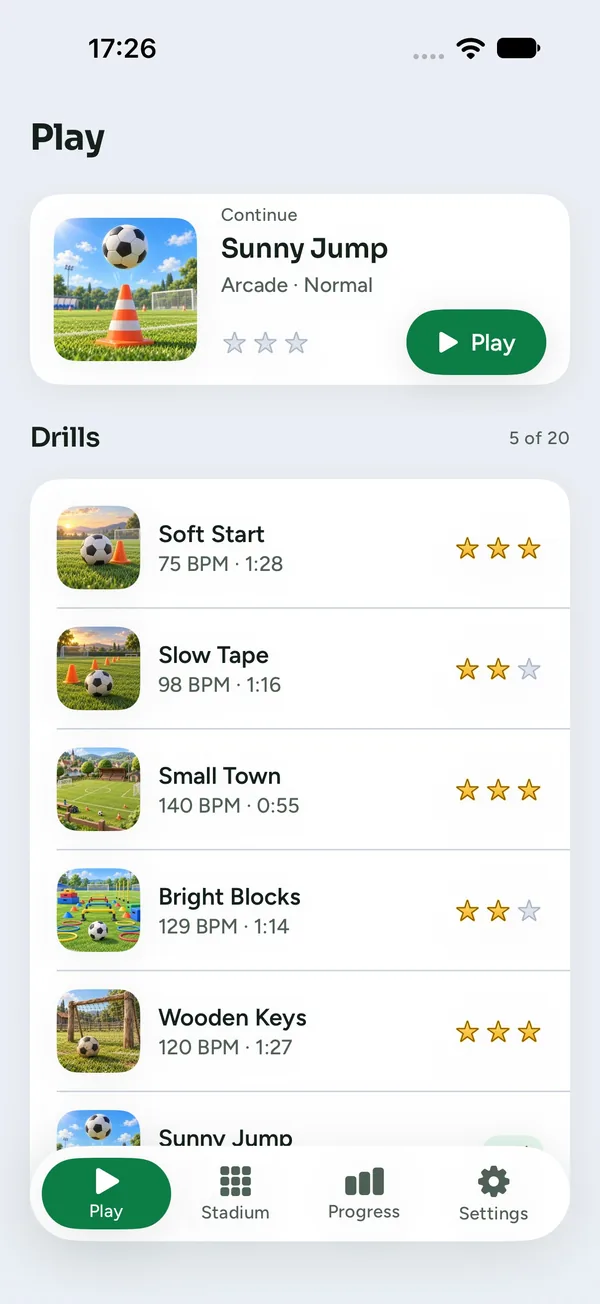
The Play tab opens on your next drill, with its mode and stars, one tap from kick-off.
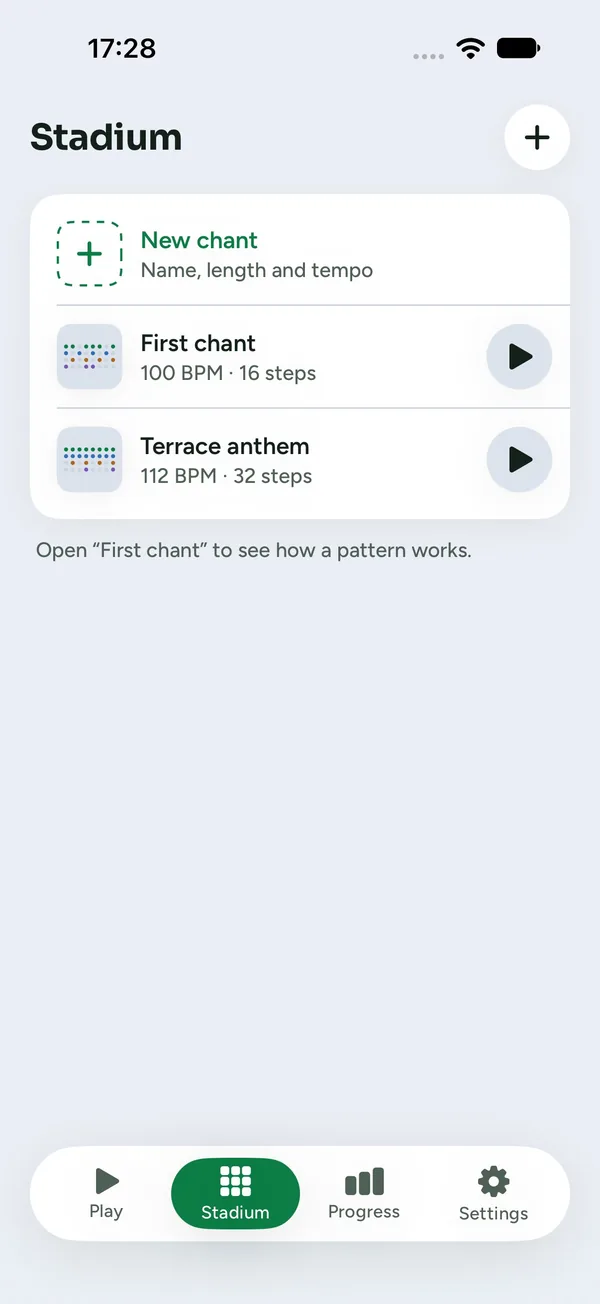
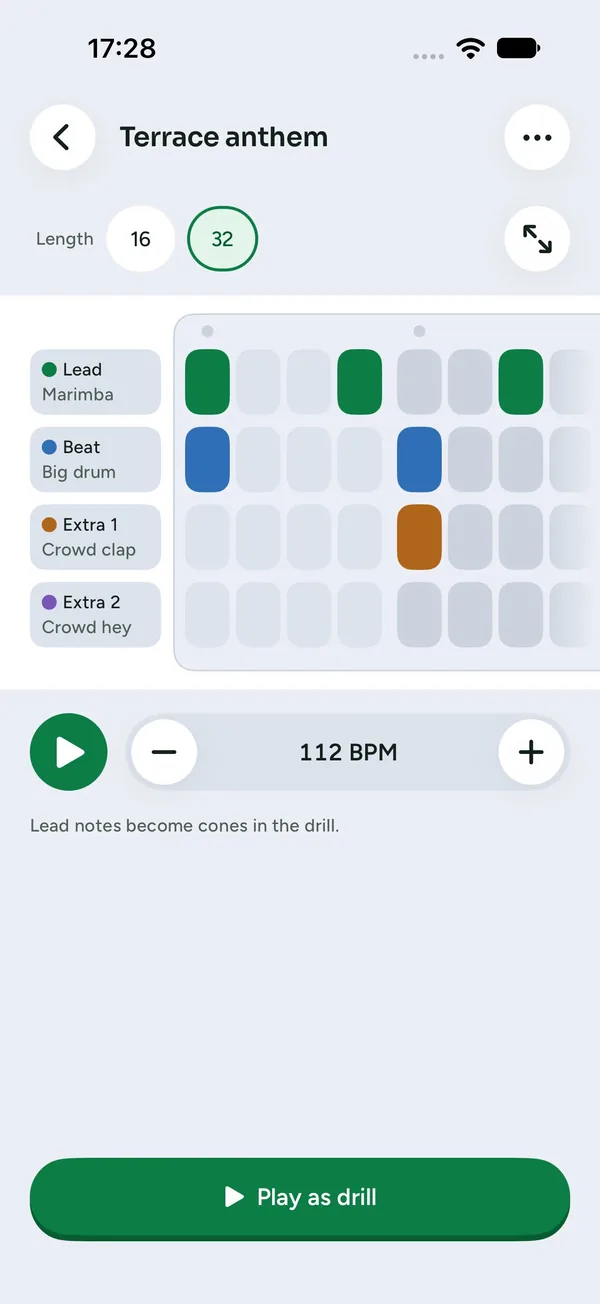
The Stadium tab lets you make a chant of your own:
Can't find the answer here? Visit support
No. LineoBeat works fully offline: every drill, sound and your progress live on your iPhone.
In Chill you cannot lose: if you miss a turn, the ball takes it by itself and the music keeps going. Arcade adds lives, a score and up to three stars, and long drills have checkpoints.
Cones sit on real note onsets and accents of each track, not on every beat. Easy keeps only the strongest notes, Hard adds many more.
Open Settings → Audio latency and tap along with the clicks. Wired and Bluetooth headphones are calibrated separately, so switching between them keeps both values.
Finish the current drill in any mode and difficulty. Locked drills are shown in grey with a lock.
Only when you record a sound of your own in the Stadium editor. Recordings are up to two seconds long and stay on your iPhone.
No. There are no ads, no in-app purchases and no account to create.
A question, a bug or an idea for a new drill? We'd love to hear from you.
Tap.
Turn.
Score.
Or write to [email protected]